
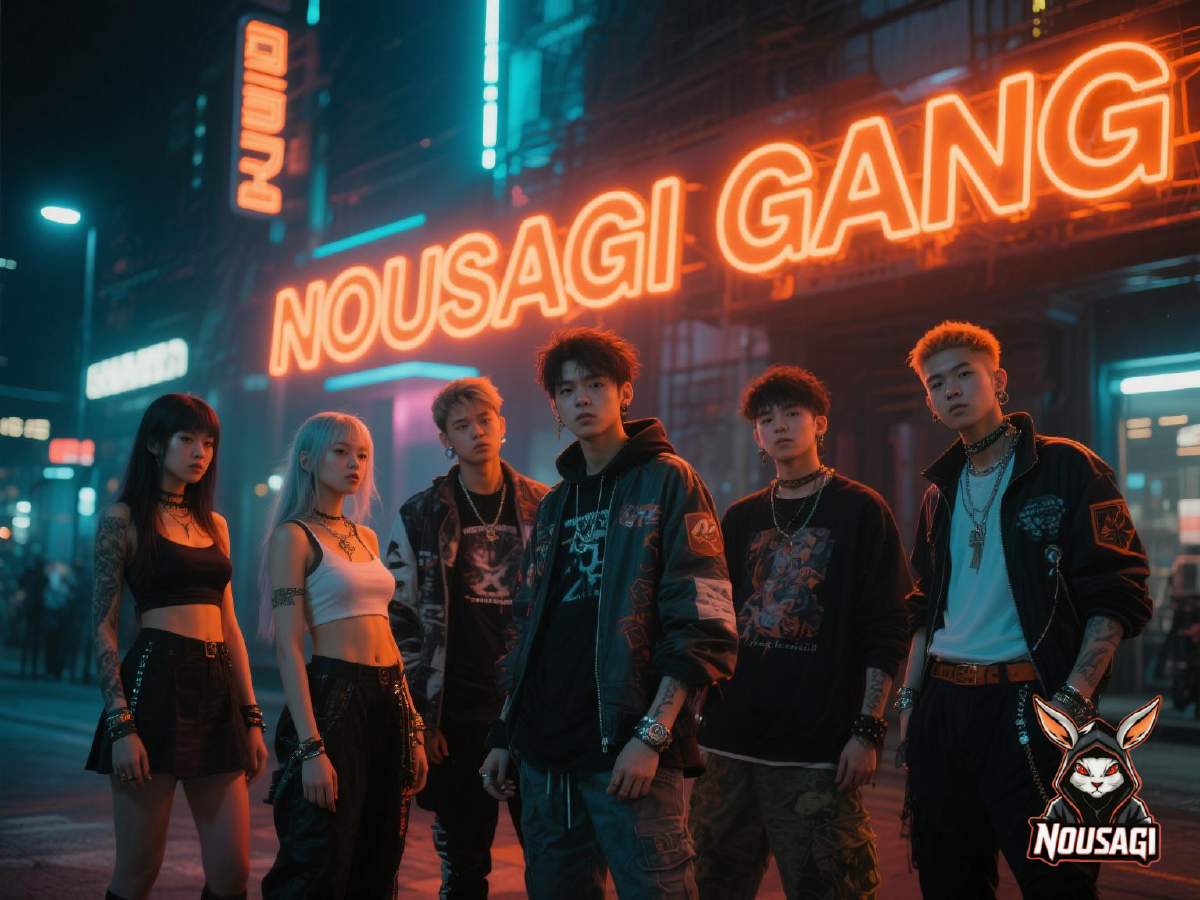
Add New/Update Member Profile
- Fork this repository. (If you’ve already forked it, ignore this step.)
- Create a new folder with
usernameinside ofcontent/members(Replace ‘username’ with your username’) and create a newindex.mdfile, or use this command on the terminal:hugo new content members/username/index.md. (If you already have a member profile page, ignore this step.)
# File Structure
.
└── content
    └── members
        ├── _index.md
        ├── members.json      # /members/members.json
        └── username
            ├── index.md      # /members/username
            └── feature.jpg   # /members/username/feature.jpg
# ./content/members/username/index.md
---
title: 'username'
tags: ['Game']
externalUrl: "https://some-site.com"
weight: 01
showDate: false
showAuthor: false
showReadingTime: false
showEdit: false
showLikes: false
showViews: false
layoutBackgroundHeaderSpace: false
---
## Info:
- Username: username
- Position: role
- Bio: Gamer Writer Developer
- Socials:
- [Facebook](#!)
- [Instagram](#!)- Then, add/update details to
content/members/members.json
# ./content/members/members.json
[
  {
    "title": "Nousagi",
    "url": "https://nousagi.onrender.com",
    "source": "https://github.com/k4lm3d/nsg",
    "tags": [
      "CyberCode Online",
      "Arclight City"
    ]
  },
  {
    "title": "Username",
    "url": "https://example.com",
    "source": "https://github.com/username",
    "tags": [
      "Game"
    ]
  }
]- Finally, send a pull request and wait for it to be approved.
.
Request to Add/Update Member Profile
If you don’t know how to code and don’t want to do all these, you can ping @Techie on Nousagi Gang HQ discord server’s #support channel with your request message or create a thread with the title Member Profile Request including your request message, and wait for a staff to do these for you.
Spacial Thanks to the following 🙏
- Hugo
- Blowfish by Nuno Coraco
- GitHub
- Render
- Open Domains
- Auto Creative (GIF banners)
- Google Gemini (creative writing)
- Dola, formerly Cici (background images)
- ChatGPT (help fix stuff)
- and to all the developers who made this website possibly all-free 🧡